IPA Upload and iOS Certificate Management
Masyou App Publisher helps iOS teams manage Apple developer accounts, apps, Bundle IDs, provisioning profiles, certificates, test devices and IPA upload tasks for App Store Connect.
Keep publishing assets organized, reduce repetitive portal work and follow every build upload with clearer logs.
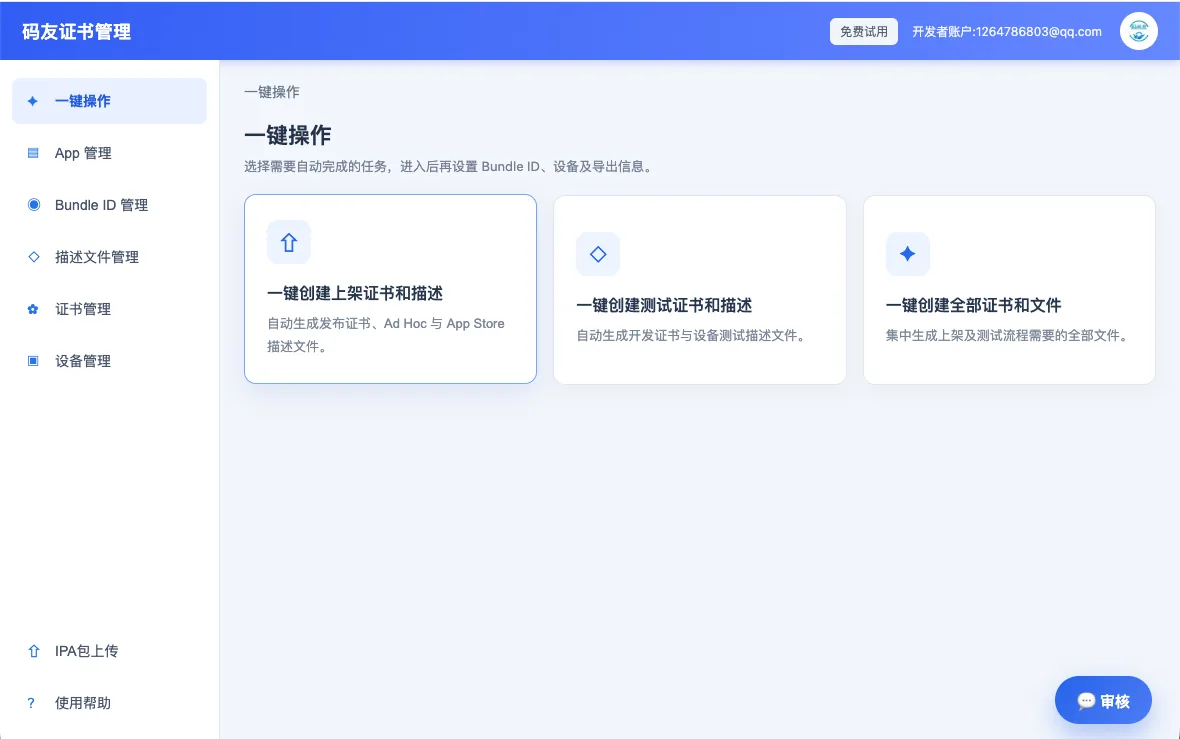
Certificate and Provisioning Profile Automation
Create distribution certificates, Ad Hoc profiles and App Store profiles from a guided workflow.
Use one process for new app preparation, test distribution and repeated configuration across multiple developer accounts.
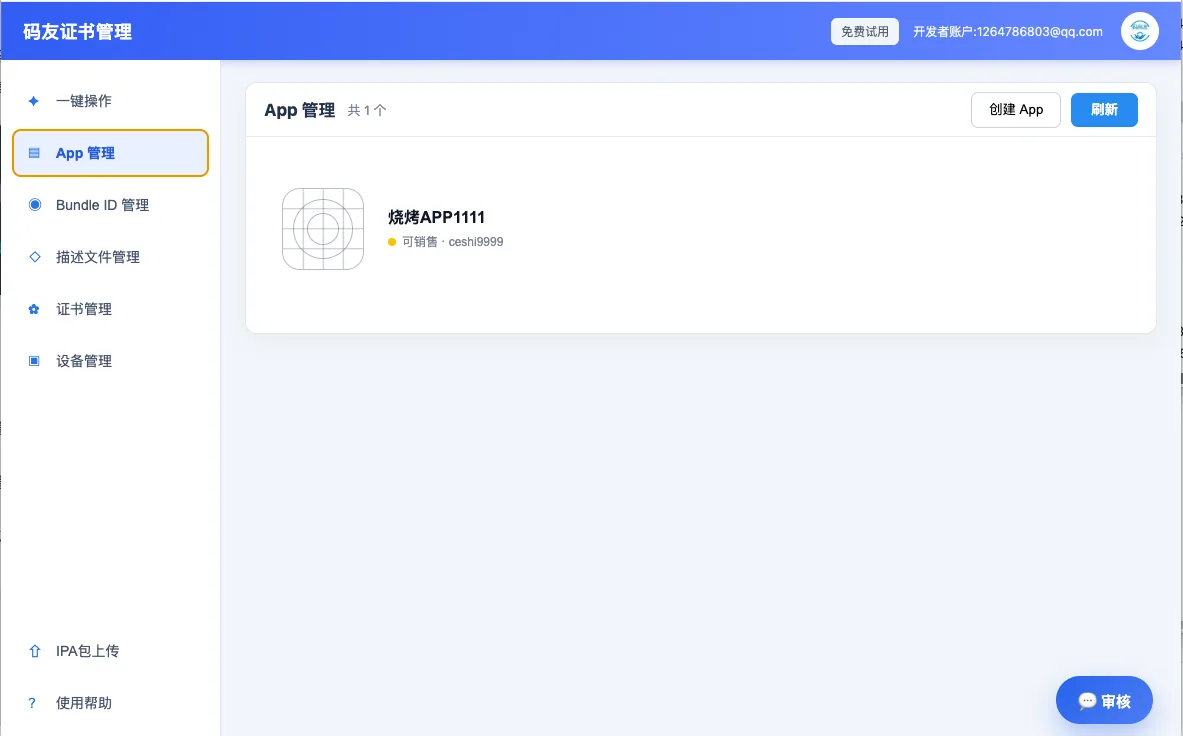
App and Bundle ID Management
Review apps under each account and maintain identifiers, sales status and publishing configuration in one place.
App creation, list refresh and profile setup stay connected to the same account data.
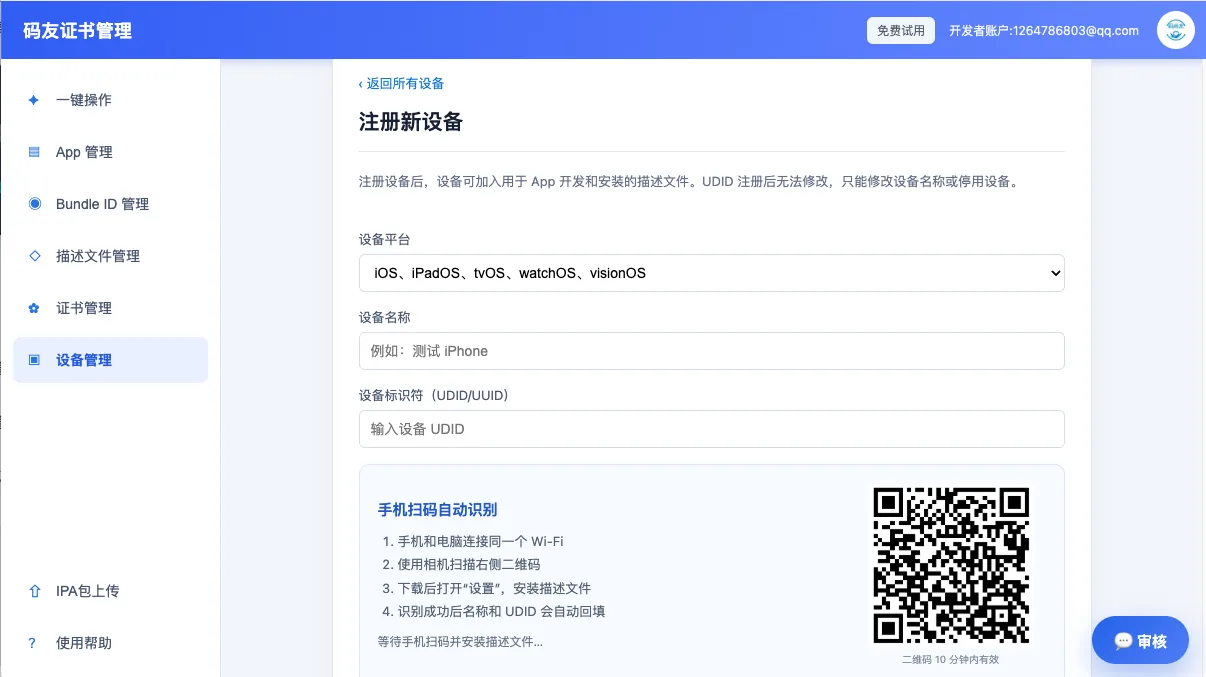
Test Device UDID Registration
Add iOS, iPadOS, tvOS, watchOS and visionOS devices for development and Ad Hoc testing.
Mobile scanning can fill device names and UDIDs with fewer input errors.
Certificate and P12 File Management
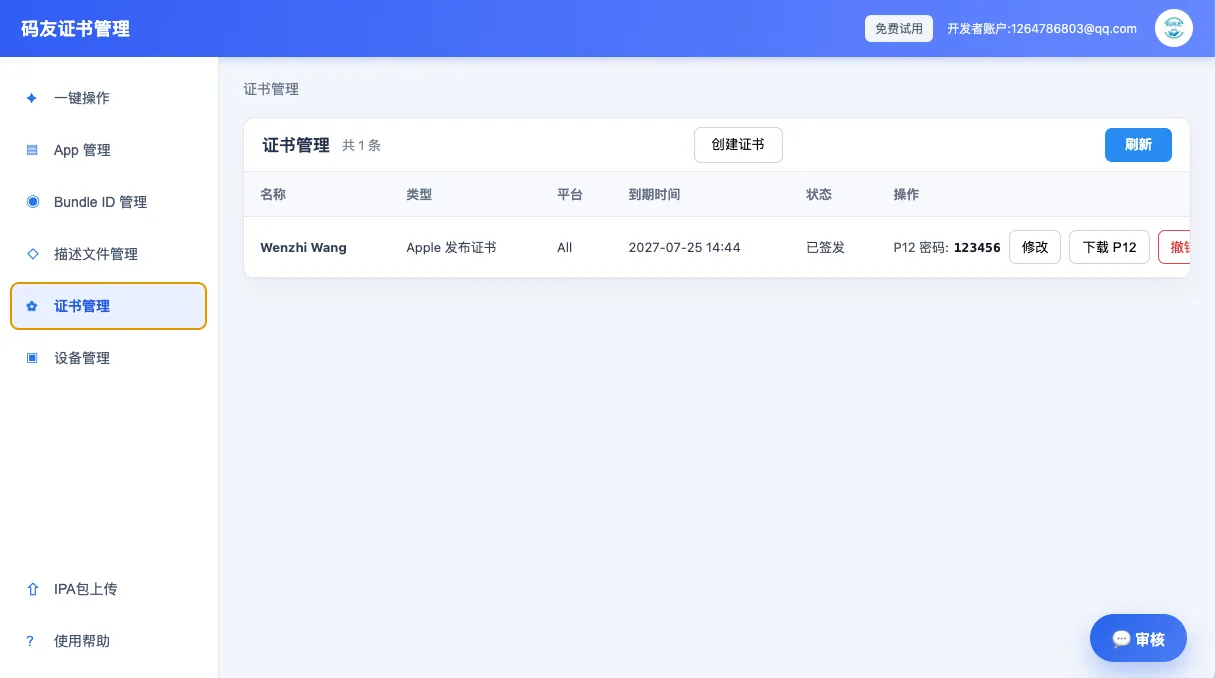
Track certificate type, platform, expiration, signing status and P12 credentials across accounts.
Create, download, update or revoke certificates without scattering key assets across multiple computers.
Upload IPA Builds to App Store Connect
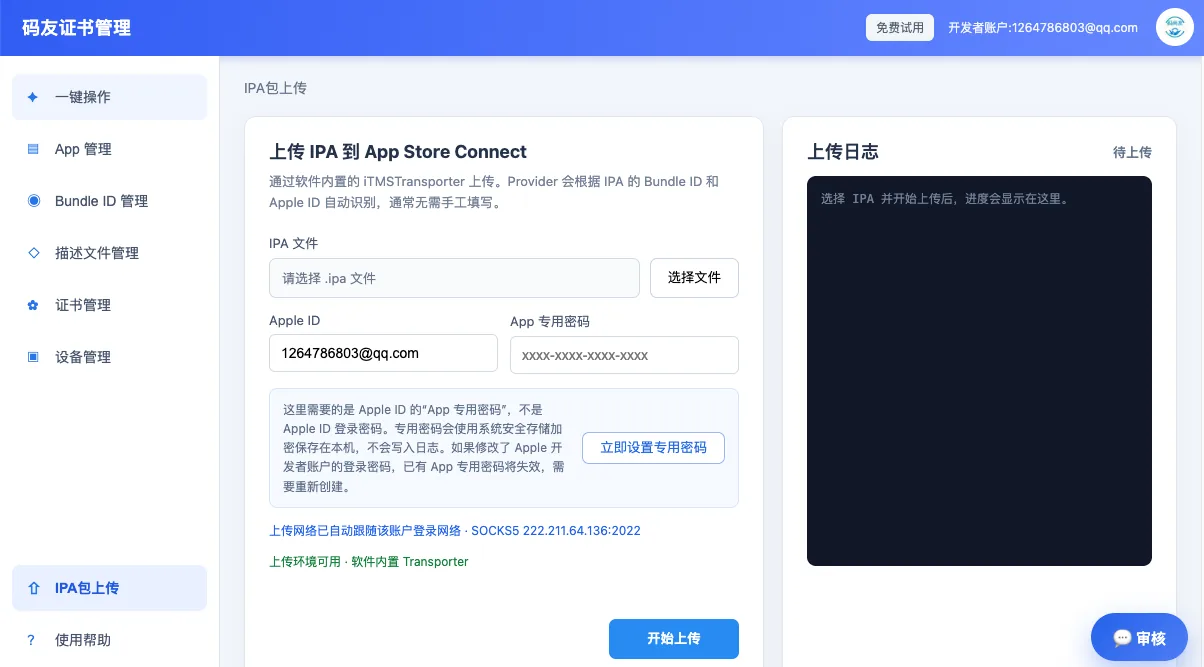
Use the built-in secure upload workflow to upload IPA builds and match upload teams from app identifiers.
Review Apple ID configuration, network state and live upload logs in the same task panel.
Get Masyou App Publisher
Bring certificates, profiles, test devices and IPA uploads into one repeatable workflow.
Free Download