Featured guidePreflight check
The preflight checks that keep an iOS upload moving
Match the Bundle ID, certificate, profile, version and build number before you send an IPA to App Store Connect.
Masyou publishing blog
Practical notes for App Store Connect, Apple Developer accounts, certificates, provisioning profiles, test devices and failed IPA uploads.
Match the Bundle ID, certificate, profile, version and build number before you send an IPA to App Store Connect.
Understand the binding between the three signing materials and find mismatches faster.
Work through network, account, Bundle ID, version and signing checks in order.
Confirm device names, platforms and profile updates before distributing a test build.
Put metadata, screenshots, privacy details, credentials and review notes in one workflow.
Group accounts, apps, certificates and upload tasks so handoffs do not lose context.
Check the certificate, device list and distribution type before generating a new profile.
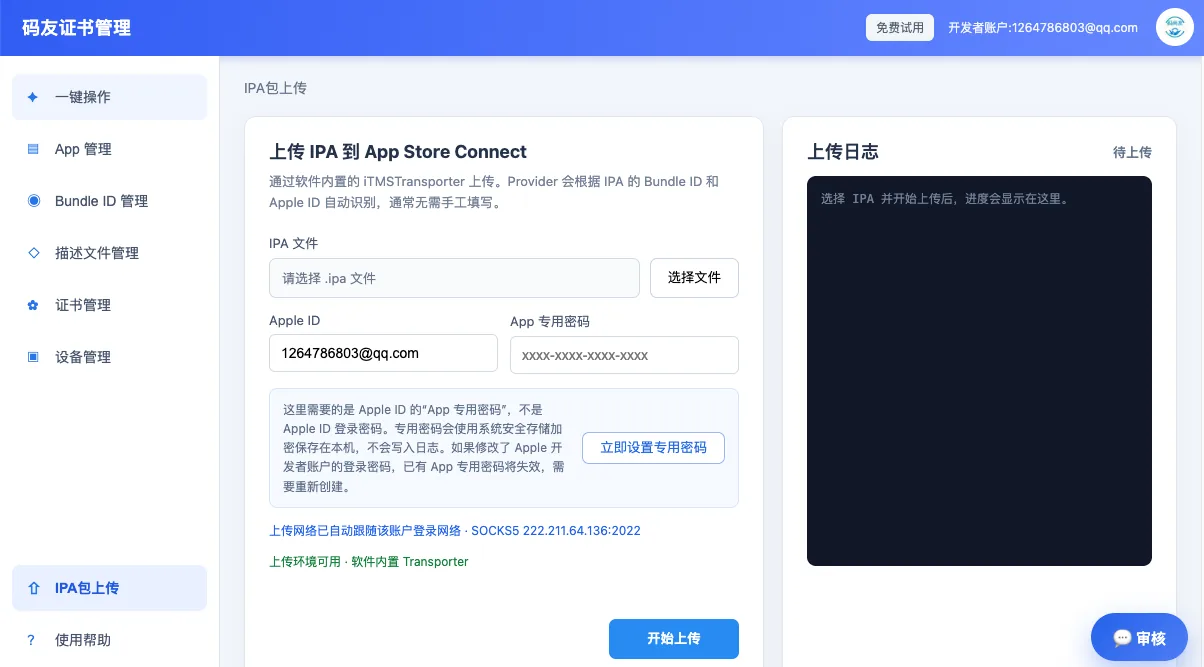
Upload flow, app-specific passwords, build numbers and App Store Connect logs.
SGDistribution certificates, P12 files, profiles, Bundle IDs and team access.
UDDevice registration, Ad Hoc distribution, limits and profile updates.
RVMetadata, privacy details, screenshots and common rejection responses.
No. Search filters the article cards already present on this static page and does not send an API request.
Start with certificates and profiles, then inspect the IPA, upload the build and prepare review metadata.
Yes. The blog and topic pages are static HTML and can be read without an account or login.
Read the troubleshooting guide, then download Masyou to keep certificates, profiles, devices and upload tasks together.