When a UDID must be registered
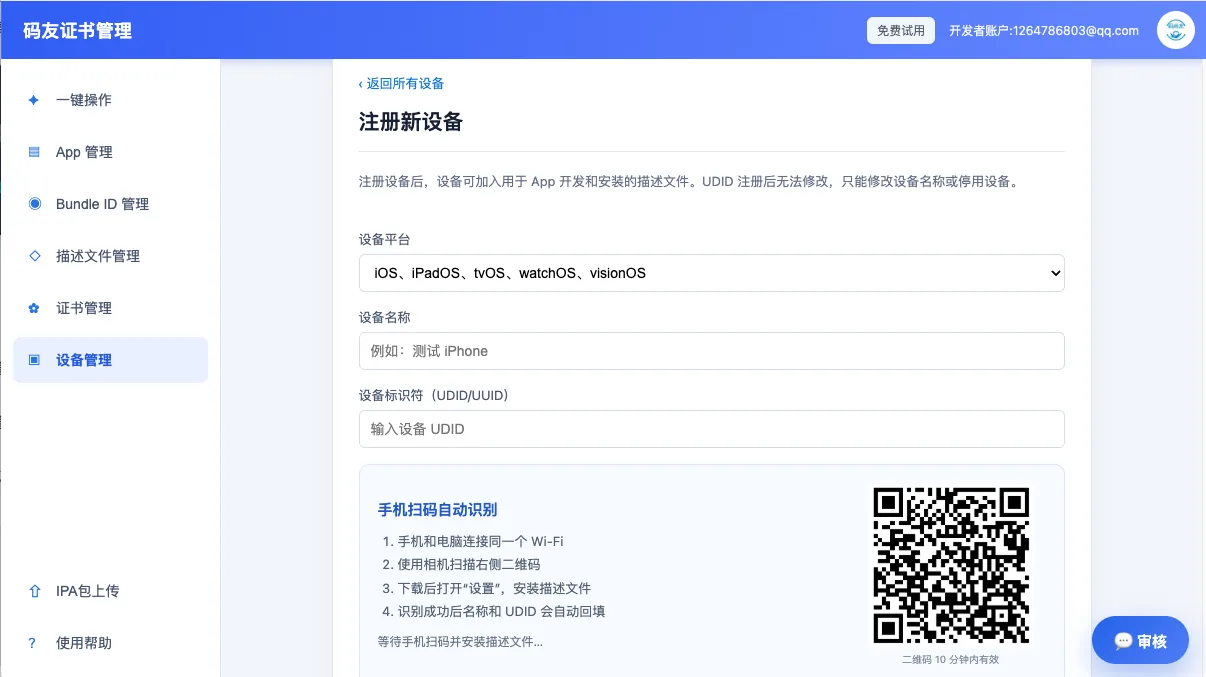
Ad Hoc and development builds install only on devices included in the signing profile. Add each device UDID to the correct Apple Developer team, then regenerate the profile used by the build.
Test device checklist
- Confirm the device type and platform so iPhone, iPad and Apple TV records are not mixed.
- Use a clear device name that includes the tester or project.
- Regenerate and download the profile after adding a device.
- Treat UDIDs as private identifiers and do not publish them.
Find and check a UDID
If you only need to find or validate an identifier, use the site's UDID guide. When the device is ready for testing, continue with certificates and profiles.