What the certificate, P12 and profile do
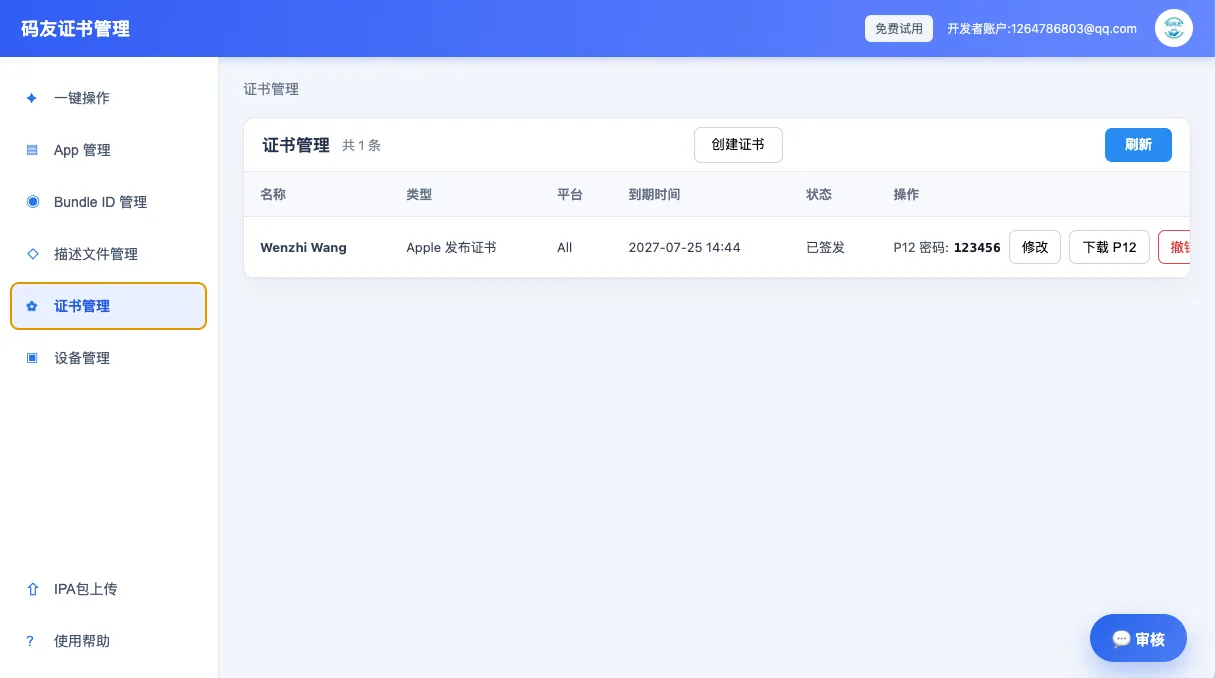
A distribution certificate identifies the developer team. A P12 export carries the certificate and private key. A provisioning profile binds the certificate to a Bundle ID and a distribution purpose. A mismatch in any one of them can stop signing or uploading.
How to check a provisioning profile
- Confirm whether it is for App Store, Ad Hoc or Development distribution.
- Match its Bundle ID to the current app.
- Verify that it contains the certificate used to sign the build.
- For Ad Hoc builds, confirm every test device is in the profile's device list.
Keep multi-account teams organized
Group assets by Apple ID, team, app, certificate, profile and upload task. Record expiration dates and P12 passwords, and avoid mixing files with similar names from different teams.
The blog explains the issue; the product and tutorial pages carry the next action. Keeping those paths linked makes troubleshooting easier to repeat.